Best Multi-Device Charging Stations for Families

The best multi-device charging station for families is the Anker Prime 200W 6-port GaN charger at $69.99: six fast USB ports with enough power for two laptops and four phones at once, in a single brick that replaces the pile of chargers on the kitchen counter. If your household has more than six devices, the UNITEK uCharge 240W 10-port station at $119.99 adds upright slots so every phone and tablet has a visible home. This is a whole-house charging hub for the kitchen counter or living room — not a bedside charger. If you only need to charge two phones overnight, our guide to the best bedside charging station for couples covers that smaller job instead.
Grecian Finds is reader-supported. When you buy through links on our site, we may earn an affiliate commission — it never costs you extra.
The five picks at a glance
| Pick | Best for | Ports | Total power | Laptop charging | Price |
|---|---|---|---|---|---|
| Anker Prime 200W 6-port GaN | Most families | 4× USB-C, 2× USB-A | 200W | Yes | $69.99 |
| UNITEK uCharge 240W 10-port | Large families | 10× USB | 240W | Yes | $119.99 |
| UGREEN Nexode 200W 6-port | Laptops + phones | 6× USB | 200W | Yes | $89.99 |
| Choetech Q3008 6-port | Budget | 6× USB | Phones and tablets | No | $64.99 |
| Anker Nano 100W 7-in-1 retractable | Kitchen counter, small spaces | 3× USB-C, 1× USB-A, 3× AC | 100W | Yes | $79.99 |
How to choose a charging station for a family
Five things decide it, and price is the last of them.
First, count the devices honestly. Two parents and two kids with a phone each is four ports before anyone charges a tablet, a watch, or earbuds. A six-port station fills fast in a four-person household; a ten-port station is the comfortable size for a family, not an exaggeration. Count phones, tablets, smartwatches, and earbud cases across the whole family before you buy.
Second, total wattage and how it is shared. A station’s headline wattage is the total across all ports, not what one port gets when everything is plugged in. For laptop charging you need USB-C Power Delivery: at least 60W on one port for a small laptop, 100W for a bigger one. Check the per-port output when all devices are connected, not just the headline number — a 200W station that splits power evenly is different from one that gives a single port the full 100W.
Third, port mix. USB-C suits newer phones, tablets, and laptops; USB-A still matters for older accessories, kindles, and kids’ devices. A station with only USB-C is a poor fit if anyone in the house still uses Lightning or micro-USB. Mixed ports are the flexible choice for a family.
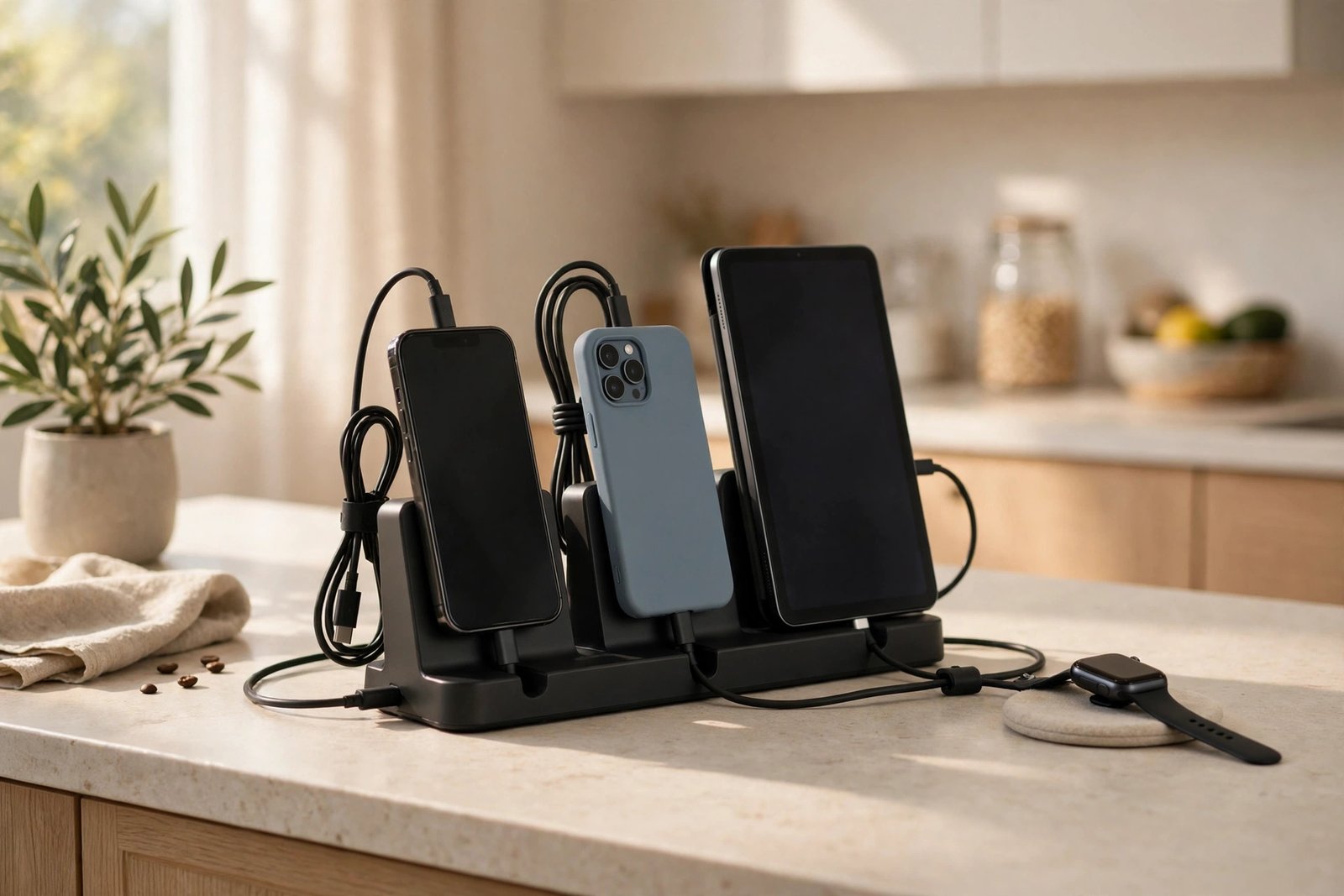
Fourth, organisation. A bare charging brick just moves the cable pile to a new room. A station with upright slots or dividers gives every device a visible place to land, which is what actually keeps the counter tidy — and what gets kids to put their phone down in one spot instead of leaving it on the sofa. Look for stations that include short cables, or budget for them: a ten-port station with two cables solves nothing.
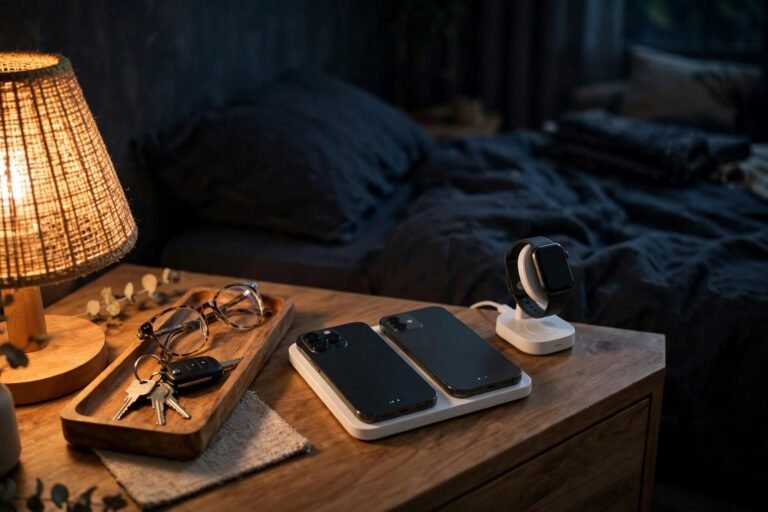
Fifth, where it lives. The family hub belongs where people come home and drop things: the kitchen counter, the hallway console, or the living-room sideboard. That is a different job from a bedside charger, which only needs two or three wireless pads for overnight. Put the high-power wired station where the family gathers, and keep the bedside simple — our bedside charging guide for couples covers the nightstand side of the setup.
1. Anker Prime 200W 6-port GaN — best for most families
The Anker Prime is the polished all-round wired station for a household with laptops. Six ports — four USB-C and two USB-A — with 200W total, so two laptops and four phones can charge at once without anyone waiting. GaN keeps it compact for the power it delivers, and Anker’s power distribution is the most predictable on this list: the ports you expect to be fast, stay fast.
It has no upright slots, so it is a power brick, not an organiser — pair it with a small stand or tray if you want devices upright. It costs $69.99, the best value per watt here. Buy it if your family charges laptops as well as phones; if you need more than six devices at once, the UNITEK below is the step up.
Check the price of the Anker Prime 200W 6-Port GaN Charging Station on Amazon
2. UNITEK uCharge 240W 10-port — best for large families
The UNITEK uCharge 240W is the capacity pick. Ten USB ports with upright dividers, so ten devices charge in one organised row — phones, tablets, watches, and earbuds all visible, none stacked on top of each other. At 240W total it has the headroom to keep several devices fast-charging at once, and it is built for shared spaces: schools and offices use the same design, which is a good sign for a busy family counter.
It is bigger than the Anker and costs $119.99, but for a household of four or five it is the only pick here that genuinely covers every device at once. If your family has six or fewer devices, the Anker Prime does the same job for less.
Check the price of the UNITEK uCharge 240W 10-Port Charging Station on Amazon
3. UGREEN Nexode 200W 6-port — best for laptops and phones together
The UGREEN Nexode 200W is the laptop-first station. Six USB ports with 200W of GaN power, tuned for the mix a working household actually has: a laptop or two on USB-C PD, plus phones and a tablet. It is the pick if the charging station sits on a desk or a shared study space as well as serving the family, because its per-port power stays high when a laptop is drawing hard.
It costs $89.99 — more than the Anker Prime for the same headline wattage — and the difference is port behaviour under load rather than the number on the box. Buy it if laptops are the priority; buy the Anker if phones and tablets outnumber laptops.
Check the price of the UGREEN Nexode 200W 6-Port Charging Station on Amazon
4. Choetech Q3008 6-port — best budget pick
The Choetech Q3008 is the budget way into a family station. Six ports in a dock with upright slots, so phones stand in a row instead of lying in a pile, at $64.99. It is built for phones, tablets, and earbuds; for laptop charging at the family station, the 200W picks above are the ones with USB-C PD.
That is an honest trade: if nobody in the house charges a laptop at the family station, you do not need to pay for laptop power. The dock format also makes it the tidiest budget option here — the slots do the organising work a bare brick cannot.
Check the price of the Choetech Q3008 6-Port Charging Station on Amazon
5. Anker Nano 100W 7-in-1 retractable — best for the kitchen counter
The Anker Nano 100W 7-in-1 is the small-space pick. Three USB-C ports, one USB-A, and three AC outlets, with a retractable cable that pulls back into the unit — so the station sits on a kitchen counter or hallway console without a trailing cord, and you still have AC outlets for the odd device that needs a plug, not USB.
At 100W total it charges one laptop plus phones, but not two laptops at full speed. It costs $79.99. Buy it when counter space is the constraint and the family needs a mix of USB and AC in one tidy unit; buy the Anker Prime when raw USB power matters more than the AC outlets.
Check the price of the Anker Nano 100W 7-in-1 Charging Station on Amazon
How many watts does a family charging station need?
For phones and tablets only, 60W to 120W total is enough. Add one laptop and you want 140W to 200W total, with at least 60W available on a single USB-C port. Add two laptops and 200W is the floor. The mistake is buying on port count alone: a ten-port station with 60W total charges ten devices slowly, while a six-port 200W station charges six devices fast. Match the wattage to the hungriest device in the house, then count ports.
Can one station charge a laptop and phones at the same time?
Yes, if the total wattage covers it and the laptop’s port gets its share. A 200W station can run a 60W laptop plus several phones; a 100W station can run one laptop plus a phone or two before it starts splitting power thin. Check the station’s per-port output with everything connected — that number, not the headline wattage, decides whether the laptop charges at full speed or trickles.
Is it safe to leave a family charging station plugged in?
Yes, if it is a reputable brand with over-current, over-voltage, and temperature protection — all five picks here come from established brands with those protections built in. Keep the station on a hard, ventilated surface, not under a pile of clothes or paper, and do not cover it. Replace frayed cables, and do not daisy-chain power strips into the station’s AC outlets. Unplug it during a long holiday away, as you would any powered hub.
Prices checked 15 November 2026. Amazon prices change frequently, so treat these as a guide and check the live price on the listing before ordering.
Frequently asked questions
How many watts does a family charging station need?
For phones and tablets only, 60W to 120W total is enough. Add one laptop and you want 140W to 200W total, with at least 60W on a single USB-C port. Add two laptops and 200W is the floor.
Can one charging station charge a laptop and phones at the same time?
Yes, if the total wattage covers it. A 200W station can run a 60W laptop plus several phones; a 100W station handles one laptop plus a phone or two before it splits power thin.
What is the difference between a family charging station and a bedside charger?
A family station is a high-power wired hub for the kitchen counter or living room, charging 4 to 10+ devices — phones, tablets, watches, and laptops — for the whole household. A bedside charger is a small wireless hub for two phones overnight. Our bedside charging guide for couples covers the nightstand job.
Do I need a charging station with upright slots?
Not for power, but for tidiness — yes, if the station is shared. Slots give every device a visible place, which is what keeps the counter clear and gets kids to dock their phone in one spot. A bare brick charges just as well but organises nothing.
More smart home picks are coming in our Smart Home category.