Best Magnetic Cable Organizers for Standing Desks (2026)

The best magnetic cable organizer for a standing desk is the VIVO Magnetic Cable Management Channel at $24.99: a vertical channel that grips the steel desk leg and runs your monitor, power, and USB cables straight down it, so they rise and fall with the desk instead of dangling, snagging, or pooling on the floor. If you only need to stop charging cables sliding off the desktop, the UNITEK SnapHold clips at $6.99 do the job for the least money. And if you want the neatest desktop of all, the Function101 Cable Blocks at $27.49 hold each cable in its own weighted silicone block. The catch with every magnetic organizer on this list: the magnets only grip steel, so test your desk leg with a fridge magnet before you buy anything.
Grecian Finds is reader-supported. When you buy through links on our site, we may earn an affiliate commission — it never costs you extra.
The five picks at a glance
| Pick | Best for | Type | How it attaches | Price |
|---|---|---|---|---|
| VIVO Magnetic Cable Management Channel | The full cable run down the leg | Vertical channel | Magnets grip the steel leg | $24.99 |
| Function101 Cable Blocks, 4-pack | A tidy desktop | Weighted silicone blocks | Magnets link blocks together; blocks sit on the desk | $27.49 |
| JOYROOM Magnetic Cable Clips, 9-pack | Value multi-pack | Individual clips | Adhesive base sticks to the desk; magnet holds the clip | $15.87 |
| Orbitkey Magnetic Cable Holder | One premium desktop holder | Single zinc-alloy holder | Magnet anchors to a desk mat or steel surface | $12 |
| UNITEK SnapHold Magnetic Cable Clips with Base | Budget cable ends | Clips with base | Adhesive base, no residue; magnetic clip snaps on | $6.99 |
How do you choose a magnetic cable organizer for a standing desk?
Five things decide it, and the first is the steel test. Magnets only grip steel. Most standing desk frames and legs are powder-coated steel, which works, but some desks use aluminium legs or a wooden modesty panel, and no magnet will hold to either. Before you spend anything, press a fridge magnet against your desk leg and the underside of the frame. If it sticks firmly, every magnetic pick on this list will work. If it slides off, skip the magnetic leg mounts and buy adhesive-base clips instead — the JOYROOM and UNITEK picks below use an adhesive base, so they work on any surface.
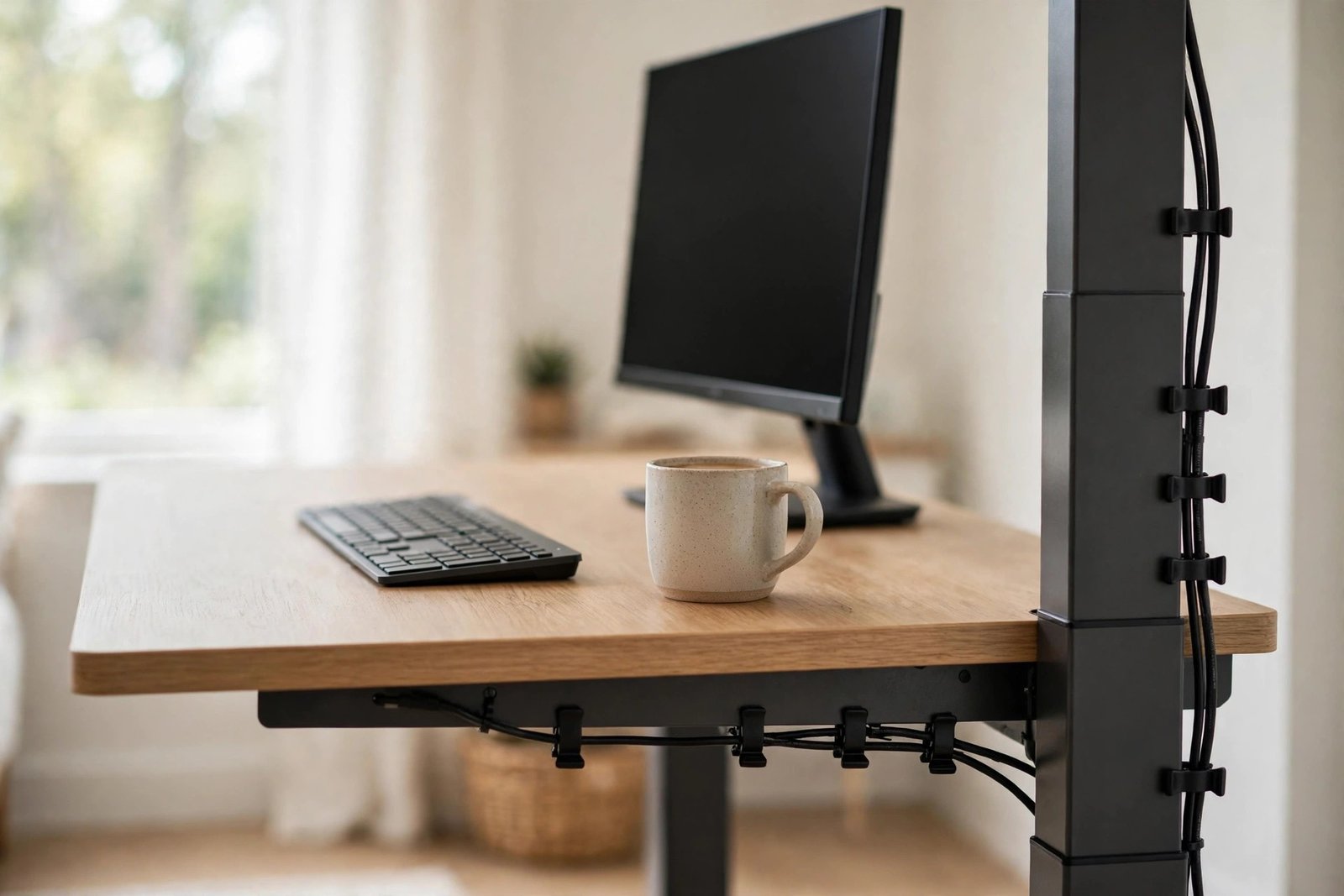
Second, decide where each cable actually runs. A standing desk has three cable zones, and each one wants a different organizer. The desktop edge is where charging cables and headset cables live — that is clip territory. The leg is where the long vertical run happens — monitor power, display cables, and the desk motor cable all travel down the leg, and that is channel territory. Under the desktop is where the power strip and the slack live — that is tray or spine territory. Buying five clips and hoping they fix a leg problem is the most common mistake; match the organizer to the zone.
Third, pick your method: clip, channel, or spine. A clip holds one cable at one point — good for cable ends you grab every day. A channel hides a whole bundle behind a cover — good for the leg run, because it looks clean from across the room and nothing snags when the desk moves. A spine is a flexible segmented tube that the whole bundle threads through — good when the bundle has to flex every time the desk rises and falls. On a standing desk, the winning combination is usually clips on the desktop plus a channel on the leg. That is the whole system for about forty dollars.
Fourth, check the slot size against your thickest cable. A clip made for a phone charging cable will not close around a monitor power cord or a thick HDMI cable. The JOYROOM clips in this guide have a 7.5 mm slot, which takes most phone, USB, and HDMI cables but not a chunky power brick cord. Measure your thickest cable before you buy, and if one cable is much thicker than the rest, give it its own clip rather than forcing it into a slot that is too small.
Fifth, plan for movement. A standing desk moves, and cables that are fixed tight at both ends will tug, unplug, or snap when the desk rises. Leave a slack loop — a gentle U of extra cable — between the desktop and the leg, and let the channel on the leg carry the bundle up and down. Never anchor a cable firmly to both the moving desktop and the floor at the same time. The desk should be able to travel its full height range with every cable relaxed, and you should test that by running the desk all the way up and all the way down once after you install the organizers.
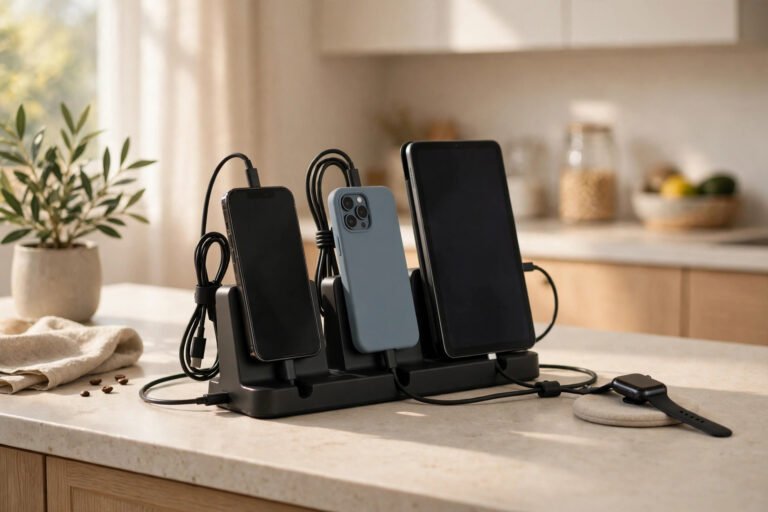
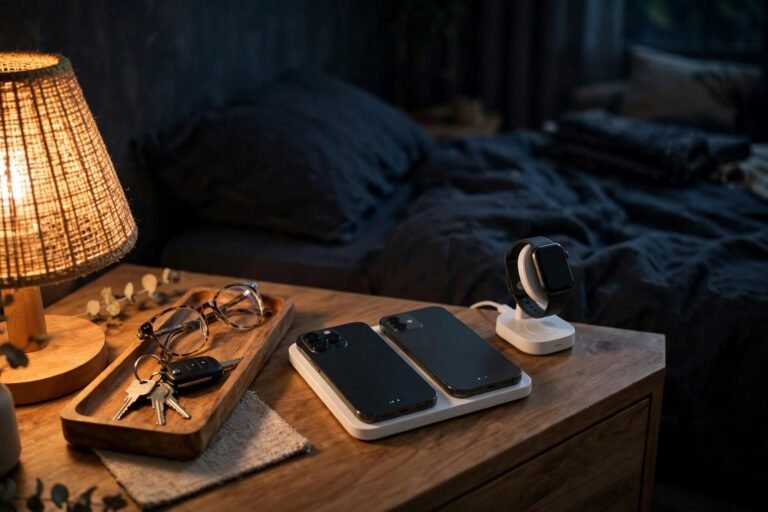
One more thing to plan: the other end of the cable problem. Organizing the desk is only half the job — the power strip, the chargers, and the tangle of plugs still need a home. Our guide to the best multi-device charging stations for families covers the other end of the cable problem, putting the chargers in one place so the desk only carries the cables you actually use. And if the same mess follows you to the bedroom, our best bedside charging station for couples guide does the same job there.
1. VIVO Magnetic Cable Management Channel — best for the full cable run down the leg
The VIVO channel is the top pick because it solves the actual standing-desk problem: the long vertical run. It is a magnetic channel that grips the steel leg of the desk and holds the whole bundle — monitor power, display cable, USB hub cable, and the desk motor cable — inside one clean vertical line. From across the room, the leg looks bare. From behind the desk, everything is contained.
This is the pick that makes the desk look finished rather than merely organized. Clips hold cables; a channel hides them. Because the channel is magnetic, it moves with the desk leg and repositions in seconds — slide it up, slide it down, pull it off to add a cable, and stick it back on. There are no screws, no adhesive, and no holes in the leg. It comes in white or black, so pick the one that matches your frame, and the black version is the VIVO DESK-AC01-1MB.
It costs $24.99. Buy it if your cables dangle from the desktop to the floor and you want the whole run gone in one move. It is the single most effective purchase on this list for a standing desk. If your desk leg is aluminium or wood, the magnets will not hold — do the fridge-magnet test first, and fall back to the adhesive-base JOYROOM clips below if it fails.
Check the price of the VIVO Magnetic Cable Management Channel on Amazon
2. Function101 Cable Blocks, 4-pack — best for a tidy desktop
The Function101 Cable Blocks are the neatest desktop solution here. Each block is a weighted piece of premium silicone with slots for cables, and the blocks connect to each other magnetically, so you can line up two, three, or four in a row and build a little cable dock along the back edge of the desk. Each cable sits in its own slot, the weighted block stops it sliding off the edge, and the magnetic connection stops the blocks wandering apart.
This is the pick for the cables you touch every day: phone charger, laptop charger, headset cable, and the USB cable for the mouse or keyboard. The silicone grips the desk without adhesive, so the blocks lift off cleanly when you want to rearrange, and they will not mark the desktop. The four-pack gives you enough blocks to cover a full desk edge — use two for the daily cables and keep the other two for the cables you plug in occasionally.
It costs $27.49 for the four-pack in pink, and other colours start from $17.33 for the same four-pack, so check the colour you want before you buy. Buy it if your desktop is the messy part and the leg run is already under control. If your problem is the vertical run down the leg rather than the desktop, the VIVO channel above is the better spend.
Check the price of the Function101 Cable Blocks on Amazon
3. JOYROOM Magnetic Cable Clips, 9-pack — best value multi-pack
The JOYROOM nine-pack is the value pick: nine magnetic cable clips for $15.87, which works out to under two dollars a clip. Each clip has an adhesive base that sticks to the desk, the desktop edge, or the underside of the frame, and a magnetic clip that holds the cable and snaps open when you need it. The slot is 7.5 mm across, which takes most phone charging cables, USB cords, HDMI cables, and computer power cords.
Nine clips is the right number for a real desk. Put three along the back edge for the daily cables, two under the desktop for the run to the power strip, two on the leg to keep the bundle from swinging, and keep two spare for the next gadget. Because the base is adhesive and the clip is magnetic, you can move the clip without peeling the base off — and because the pack is cheap, you can afford to put clips everywhere the cables actually go instead of rationing them.
It costs $15.87 for nine clips. Buy it if you want to cover the whole desk in one order, or if your desk leg is not steel and you need adhesive bases everywhere. If you only need one or two holders for a minimal desk, the Orbitkey holder below is the tidier single purchase.
Check the price of the JOYROOM Magnetic Cable Clips on Amazon
4. Orbitkey Magnetic Cable Holder — best premium single holder
The Orbitkey is the premium single holder on this list: one magnetic cable holder in zinc alloy with a matte plated finish, made to sit on a desk and look like it belongs there rather than like an afterthought. It is designed to work with any Orbitkey Desk Mat, magnetically anchoring to it, and it keeps a cable in place with a clean, low-profile hold.
This is the pick when you want one holder, done well, instead of a bag of clips. The zinc-alloy body is durable and corrosion-resistant, and the matte finish matches a modern desk setup — black monitor, black keyboard, wood desktop — without drawing attention to itself. It holds one cable, so buy it for the cable you reach for most, usually the phone charger, and let the cheaper multi-packs handle the rest.
It costs $12. Buy it if you already use an Orbitkey Desk Mat, or if you want a single good-looking holder for your main charging cable and nothing else. If you need to organize five or six cables at once, the JOYROOM nine-pack above is far better value.
Check the price of the Orbitkey Magnetic Cable Holder on Amazon
5. UNITEK SnapHold Magnetic Cable Clips with Base — best budget cable ends
The UNITEK SnapHold is the cheapest pick on this list, and it covers the most common annoyance: cable ends sliding off the desk and disappearing behind it. Each clip has an adhesive base that sticks to the desk and leaves no residue when you remove it, and a magnetic clip that snaps the cable in place. Grab the cable, use it, and snap it back — the end is always where you left it.
At $6.99, this is the pick to buy first if you are not sure magnetic organizers are for you. It is also the pick to buy in multiples: one set for the desk, one for the bedside table, one for the kitchen counter where the tablet charges. The adhesive base is the reason it works on desks the magnetic leg mounts cannot — wood, aluminium, and glass all take the base, so there is no steel test to pass.
It costs $6.99. Buy it if your only problem is cable ends falling off the desk, or if you want to try the magnetic-clip idea for the least money before committing to a channel. If your cables dangle down the leg rather than sliding off the desktop, the VIVO channel at the top of this list is the fix.
Check the price of the UNITEK SnapHold Magnetic Cable Clips on Amazon
How many magnetic cable organizers does a standing desk need?
For a typical one-monitor setup, six to eight organizers cover the desk: three or four clips along the desktop edge for the daily cables, one channel on the leg for the vertical run, and one or two clips under the desktop for the run to the power strip. A two-monitor setup adds two more cables and usually one more clip. Count your cables first — monitor power, display cable, laptop charger, phone charger, headset, and the desk motor cable is six before you add anything else — and then buy for that count plus two spare, because a new gadget always arrives.
The cheapest way to hit that number is a multi-pack: the JOYROOM nine-pack at $15.87 plus the VIVO channel at $24.99 covers a full desk for about forty dollars. Buying single premium holders for every cable is the expensive way to do the same job. Start with the channel and one multi-pack, live with it for a week, and only then buy the premium single holders for the cables you touch every day.
Will magnets damage your cables or your monitor?
No. The small magnets in cable organizers are far too weak to damage cables, monitors, laptops, or phones — they are the same strength as a fridge magnet, and your devices already live next to much stronger magnets in their own speakers and cases. What a magnet can do is stick to the wrong thing: keep the clips away from loose metal objects like paper clips and pins, which will happily attach themselves to any exposed magnet.
The real risk to a cable is not the magnet but the clip itself. A slot that is too tight will pinch the cable and strain it where it bends, and a cable yanked hard out of a strong clip can fray at the connector. Pull the cable out of the clip gently, or better, snap the clip open first. And keep magnets away from old-style magnetic stripe cards and mechanical watches — modern phones, laptops, and solid-state drives are not affected, but there is no reason to test it.
Prices checked 16 November 2026. Amazon prices change frequently, so treat these as a guide and check the live price on the listing before ordering.
Frequently asked questions
What is the best magnetic cable organizer for a standing desk?
The VIVO Magnetic Cable Management Channel at $24.99. It grips the steel desk leg and hides the whole cable bundle in one vertical run, so the cables rise and fall with the desk. For the desktop alone, the Function101 Cable Blocks at $27.49 are the neatest option, and the UNITEK SnapHold clips at $6.99 are the cheapest way to stop cable ends sliding off the desk.
Do magnetic cable clips work on all standing desks?
No — magnets only grip steel. Most standing desk frames and legs are powder-coated steel, which works, but aluminium legs and wooden panels will not hold a magnet. Test with a fridge magnet before you buy. If it does not stick, use adhesive-base clips such as the JOYROOM or UNITEK picks instead.
How do you run cables on a standing desk that moves up and down?
Leave a slack loop of extra cable between the desktop and the leg, and let a magnetic channel on the leg carry the bundle up and down. Never anchor a cable firmly to both the moving desktop and the floor. After installing, run the desk all the way up and all the way down once to check every cable stays relaxed through the full range.
Are magnetic cable clips better than adhesive cable clips?
Magnetic clips are better when you rearrange often: they reposition in seconds and leave no residue. Adhesive clips are better on non-steel surfaces and where you want a permanent hold. Many of the best setups use both — adhesive bases stuck to the desk with magnetic clips snapping on top, as the JOYROOM and UNITEK picks do.
More smart home picks are coming in our Smart Home category.