No Deadbolt? Which Smart Lock Works on a Door Without One

Grecian Finds is reader-supported. When you buy through links on our site, we may earn an affiliate commission — it never costs you extra.
No — a retrofit smart lock will not work on a door without a deadbolt. A retrofit lock does not replace your lock. It clips over the thumb-turn on the inside of an existing single-cylinder deadbolt and turns it for you. No deadbolt means no thumb-turn, which means there is nothing for the lock to grab onto. That leaves you with two real options: fit a single-cylinder deadbolt first and then add a retrofit lock, or buy a full-replacement smart deadbolt instead. Before you spend anything, run the smart lock compatibility checker to see which branch your door falls into — it takes about a minute and tells you whether a retrofit is even possible.
Why does a retrofit smart lock need a deadbolt?
It helps to picture what a retrofit lock actually is. Locks like the August Wi-Fi Smart Lock and the SwitchBot Lock are designed to leave your existing hardware alone. You keep your keys, your outside cylinder and your deadbolt exactly as they are. The smart lock mounts on the inside of the door, grips the thumb-turn, and rotates it when you tap your phone or enter a code.
That is the whole trick — and the whole limitation. The retrofit has no bolt of its own. It borrows the bolt that is already in your door. Take the deadbolt away and the retrofit is a motor with nothing to turn. This is also why retrofit locks are the go-to for renters: nothing is drilled, nothing is permanently changed, and the lock comes off in minutes when you move out. Our comparison of the two best-known retrofits, Nuki vs SwitchBot retrofit lock, assumes a deadbolt is already there — same caveat applies to both.
If your door only has a knob or lever with a spring latch, a retrofit is simply the wrong product for it. That does not mean you cannot have a smart lock. It means you need one of the two routes below.
Option 1: fit a deadbolt first, then add a retrofit smart lock
This is the standard path, and for most doors it is also the cheapest. A locksmith or a confident DIYer drills the door for a standard single-cylinder deadbolt — key on the outside, thumb-turn on the inside — and then a retrofit lock clips straight onto it.
The deadbolt needs the standard dimensions: a 2-1/8 inch bore hole, a backset of 2-3/8 or 2-3/4 inches, and a door thickness of 1-3/8 to 1-3/4 inches. Those are the numbers almost every retrofit lock is built around. Measure first (see below) and you will know before you buy whether your door takes a standard deadbolt at all.
There is one catch, and it matters. Fitting a deadbolt means drilling a new hole in the door. If you rent, that is a permanent change to the property — get your landlord’s permission in writing first. It is a very different thing from a no-drill retrofit, which is exactly why renters love retrofits. Once the deadbolt is in, the retrofit install itself is the easy part: our guide to installing an August smart lock walks through the whole thing, and most people are done in about ten minutes. If you rent and a deadbolt is already in place, the renter-friendly route is covered in our best smart lock for renters, no-drill guide.
Good retrofit choices once the deadbolt exists include the August Wi-Fi Smart Lock (4th Gen) and the SwitchBot Lock — both keep your existing keys working, which is handy if anyone else in the house still wants a physical key.
Option 2: replace the whole lock with a smart deadbolt
A full-replacement smart deadbolt swaps out the entire deadbolt — inside and outside hardware — instead of clipping over it. You get a keypad, fingerprint reader or app control built into the lock itself, and you stop carrying a key altogether if you want to.
Here is the part people miss: a full-replacement deadbolt still needs a standard deadbolt hole. It replaces the deadbolt, it does not create one. So this option only works if your door already has a deadbolt hole, or you are willing to have one drilled — same drilling question as Option 1, just with a different lock going into the hole.
If your door does have a deadbolt opening, two well-established full-replacement options are the Yale Assure Lock 2 with Wi-Fi, which comes in keyed and key-free touchscreen versions, and the Schlage Encode Plus, which adds Apple Home Key tap-to-unlock for iPhone and Apple Watch. Both replace a standard deadbolt with a screwdriver and no extra hub. Before ordering either, check the model’s stated door-thickness and backset range on the product page itself — ranges vary between models, and the listing is the only figure worth trusting. Prices change often, so check the current price on Amazon before you buy; we have not quoted prices here because they move too fast to stay accurate.
What about knob-only and mortise doors?
This is where most people get stuck, and the honest answer is: most smart deadbolts do not fit these doors.
A knob-only door has just a spring latch — the little angled bolt that holds the door shut. There is no deadbolt hole, no separate bolt, and nothing for a retrofit or a replacement deadbolt to attach to. Your options are the same two as above: have a deadbolt hole drilled and fit a deadbolt, or look for a smart lock made specifically for latch-only doors, which are rare and usually made for a particular lock brand.
A mortise door is different again. The lock body sits inside a deep pocket cut into the edge of the door, and the latch and deadbolt are one integrated unit. Standard US retrofit and replacement deadbolts are built for cylindrical bored locks, not mortise bodies — they will not fit, and no adapter fixes that. For a mortise door, check the lock manufacturer’s own compatibility list for your exact lock type before buying anything. If the maker does not list your mortise lock as compatible, do not guess — a wrong buy here is an expensive return. If you are still unsure which type of door you have, ask the checker: will a smart lock fit my door is exactly the question it is built to answer.
What should I measure before buying anything?
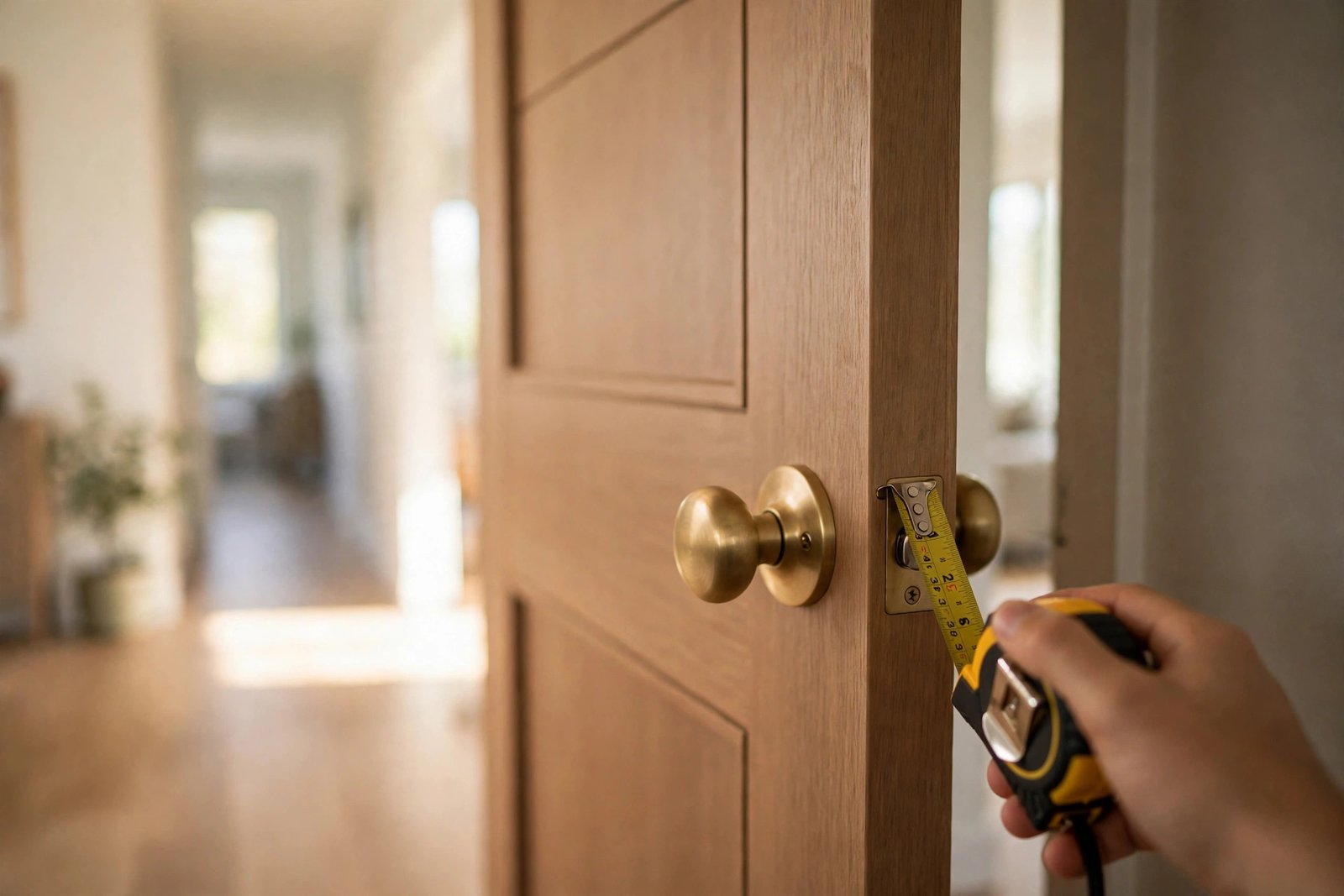
Three numbers decide whether a smart lock fits your door. Take them with a tape measure before you order — it takes two minutes and saves a return.
- Door thickness: measure the edge of the door, face to face. Most retrofit smart locks fit doors 1-3/8 to 1-3/4 inches thick. Thinner or thicker doors may need an adapter kit, or a full-replacement lock instead.
- Backset: measure from the edge of the door to the centre of the deadbolt hole. The two standard backsets are 2-3/8 and 2-3/4 inches, and most retrofit locks support both. If you have no deadbolt hole yet, this is the measurement your new deadbolt will be drilled to.
- Bore diameter: the diameter of the big round hole the deadbolt sits in. The standard is 2-1/8 inches. If your door was drilled for a standard deadbolt, you are almost certainly fine — measure to be sure.
- Deadbolt type: check whether you have a single-cylinder deadbolt (key outside, thumb-turn inside). That is what retrofit locks need. A double-cylinder deadbolt has a key on both sides and no thumb-turn, so a retrofit cannot clip onto it.
Write the three numbers down and keep them with you when you shop. Every product page lists its fit range — compare your numbers against it, not against a review that says “it fit my door fine”.
Which option should I pick?
| Your door | Best option | What it involves |
|---|---|---|
| Has a single-cylinder deadbolt | Retrofit smart lock | Clips over the thumb-turn; no drilling; keeps your keys |
| No deadbolt, standard door | Fit a deadbolt, then add a retrofit — or a full-replacement smart deadbolt | One new hole drilled; landlord permission if you rent |
| Knob-only (latch only) | Fit a deadbolt first | Same as above; no smart lock fits a latch-only door directly |
| Mortise lock | Check the manufacturer’s compatibility list | Most standard smart deadbolts do not fit; do not guess |
| Double-cylinder deadbolt | Full-replacement smart deadbolt, or swap to single-cylinder first | No thumb-turn for a retrofit to grip |
The short version: a door without a deadbolt is not a dead end for smart locks, it is just a different starting point. Work out which type of door you have, take the three measurements, and pick the route that matches — a drilled deadbolt plus a retrofit for most doors, a full-replacement deadbolt if you want to ditch keys entirely, and the manufacturer’s compatibility list if your door is mortise. And if you want the answer in one click, the smart lock compatibility checker walks through the same questions and tells you which branch you are on.
Frequently asked questions
Can I fit a smart lock if my door has no deadbolt?
No — not a retrofit one. A retrofit smart lock replaces only the interior thumb-turn of an existing single-cylinder deadbolt, so with no deadbolt there is nothing for it to clip onto. Your options are to fit a single-cylinder deadbolt first and then add a retrofit lock, or to choose a full-replacement smart deadbolt instead. If you rent, fitting a new deadbolt is a change to the door itself — check with your landlord first, unlike a no-drill retrofit which comes off cleanly.
Will a smart lock work on a double-cylinder deadbolt?
Generally no. A double-cylinder deadbolt needs a key on both sides, so there is no thumb-turn on the inside for a retrofit lock to grip. Your options are to swap the deadbolt for a single-cylinder version and then add a retrofit, or to choose a full-replacement smart deadbolt. Check your local fire-safety rules before swapping a double-cylinder lock — in some places they are required on doors with glass nearby.
How thick can my door be for a smart lock?
Most retrofit smart locks fit doors 1-3/8 inches to 1-3/4 inches thick, which covers the vast majority of standard US residential doors. If your door is thinner or thicker than that range, check the product page for adapter kits — some brands sell thicker-door kits — or consider a full-replacement smart deadbolt, which often accepts a wider thickness range. Measure your door edge face to face with a tape measure before ordering.
